
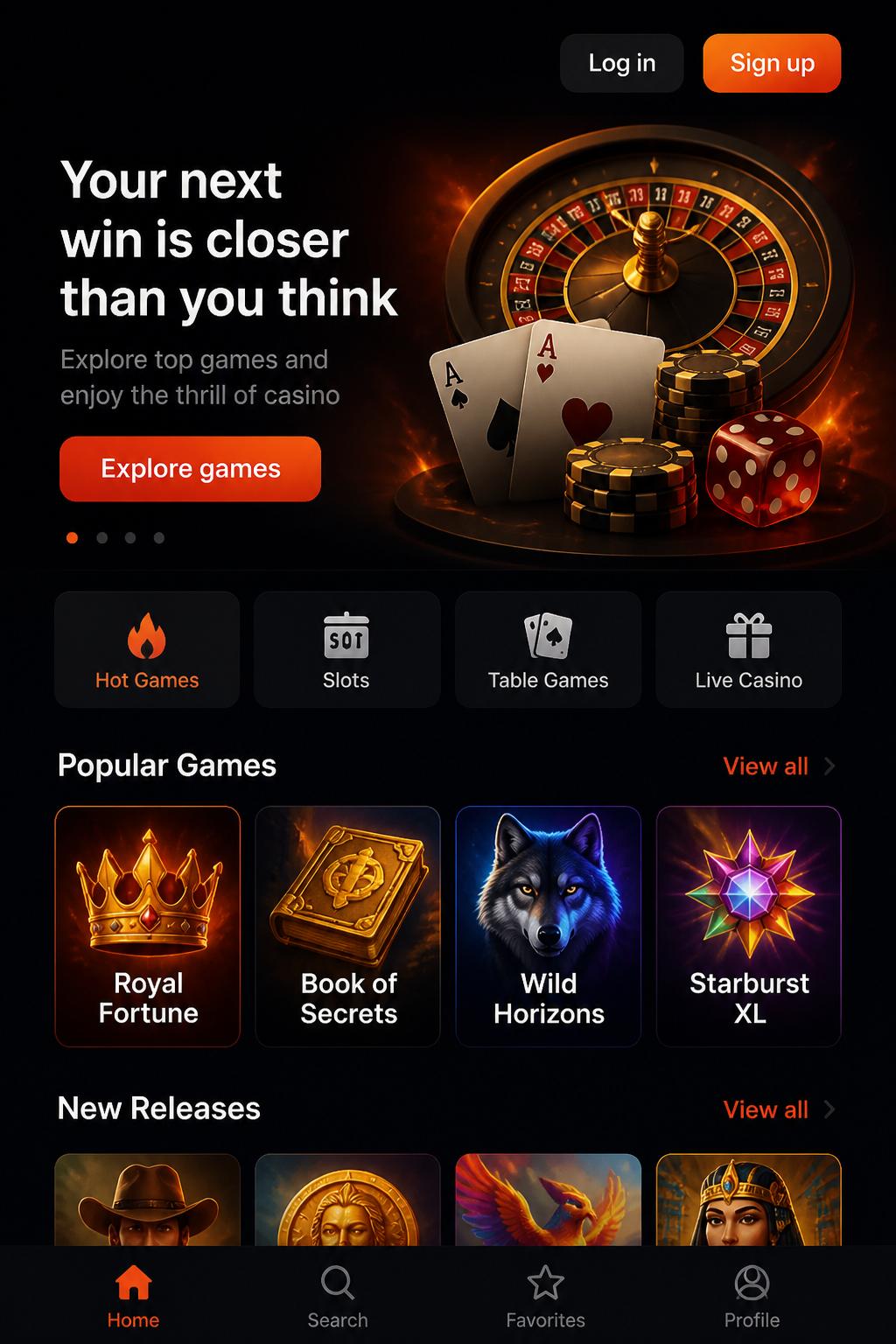
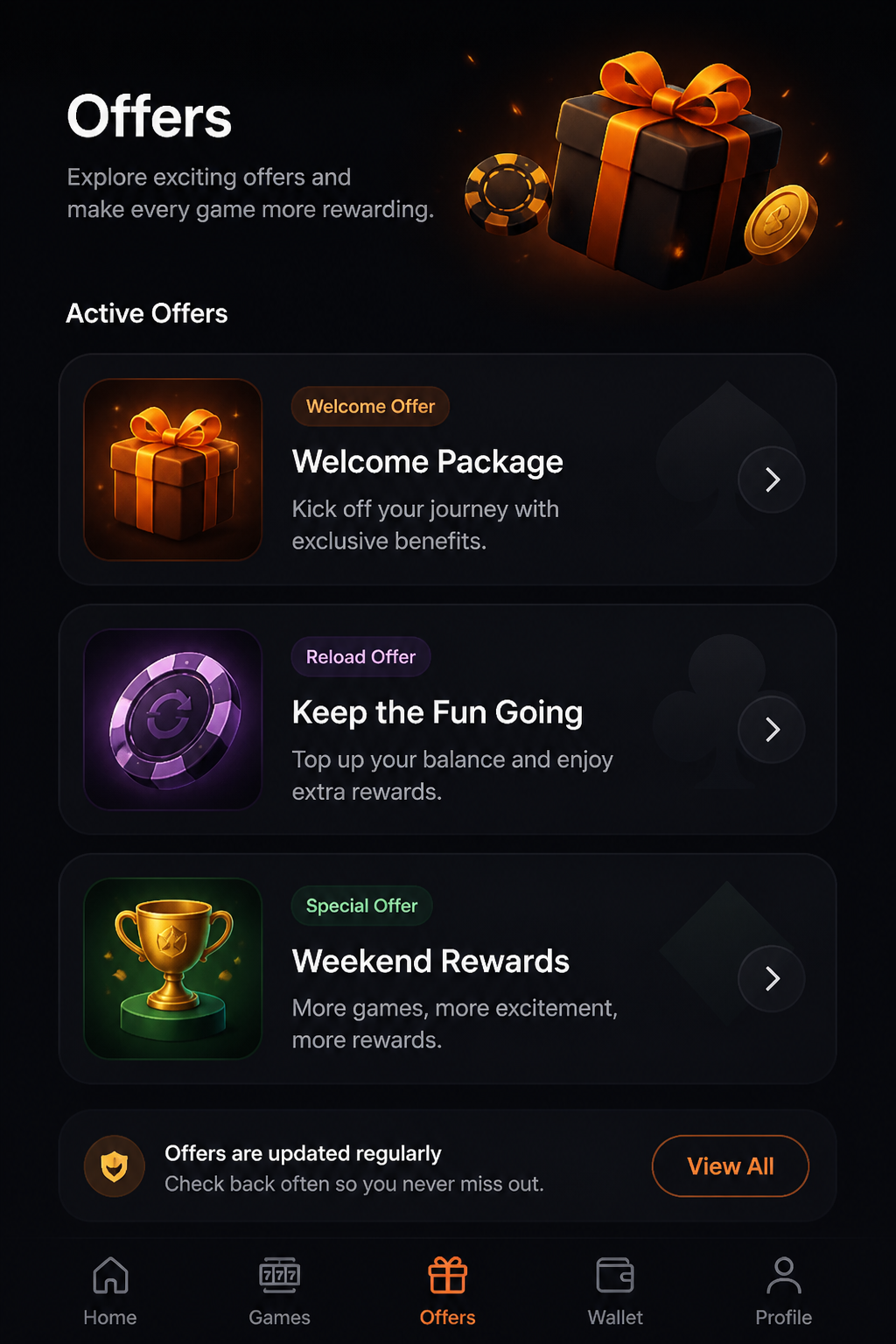
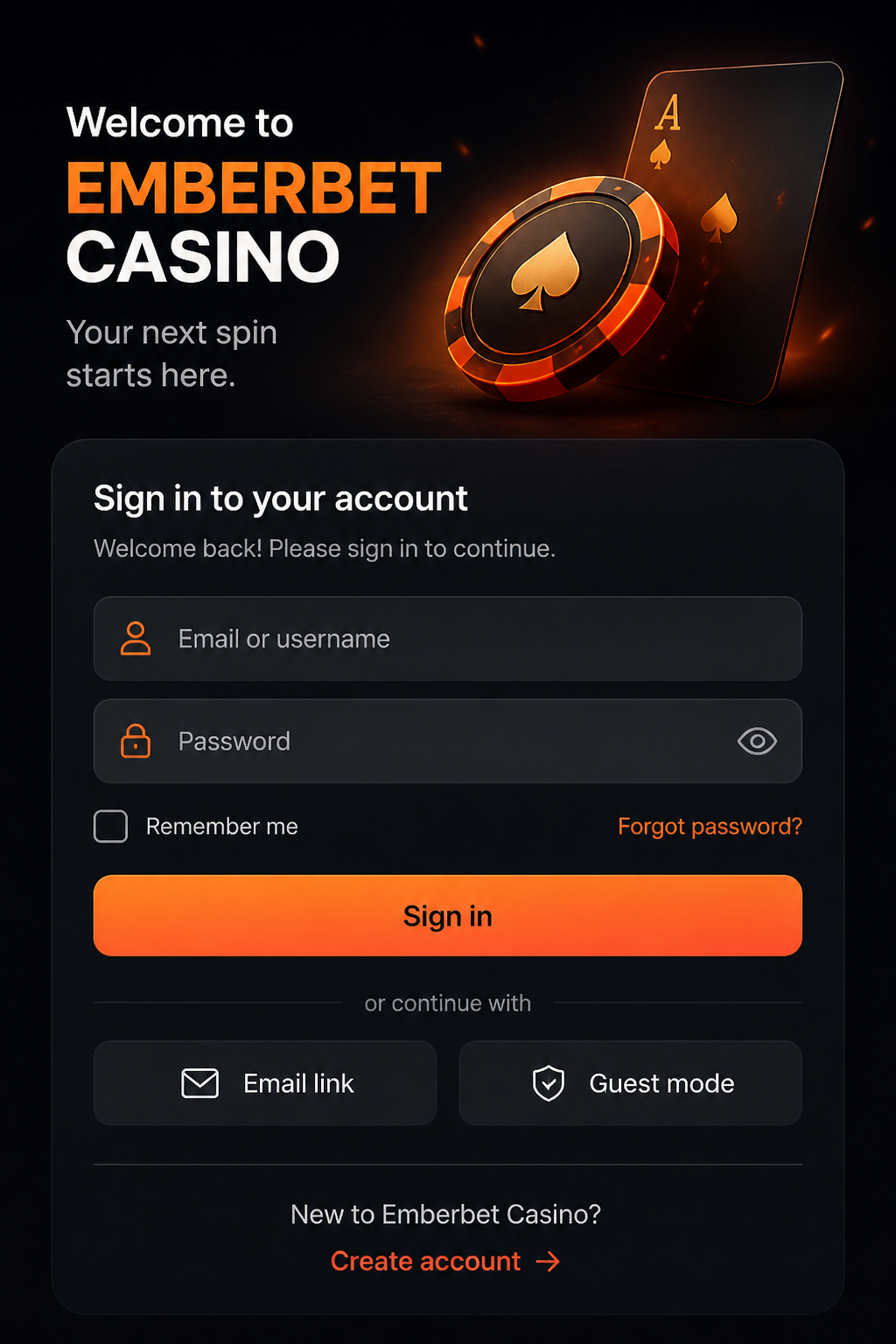
Most people judge a mobile casino by how quickly the first page opens. A more useful test is what happens after that: can you read a game's rules, find the cashier, confirm a transaction and log out without losing your place? This Emberbet mobile guide focuses on the practical details of using a phone or tablet. It treats a mobile website and a standalone application as different products rather than assuming that an official app exists.
A browser may let you inspect a casino page, but actual access, game availability and payments can depend on your device, country and account. That makes it important to verify current conditions before proceeding. The promotion discussed elsewhere in this guide is 200% up to €1,000 plus 150 free spins; viewing it on a phone does not change any qualifying rules or local restrictions.
| Mobile area | What to check |
|---|---|
| Browser | Readable navigation and game terms |
| Standalone app | No current official store listing verified |
| Touchscreen slots | Stake selector and feature confirmations |
| Live tables | Device compatibility and round timing |
| Payments | Cards and wallets vary by location |
| Account | Use verified sign-in and secure uploads |
A browser page is not automatically an application
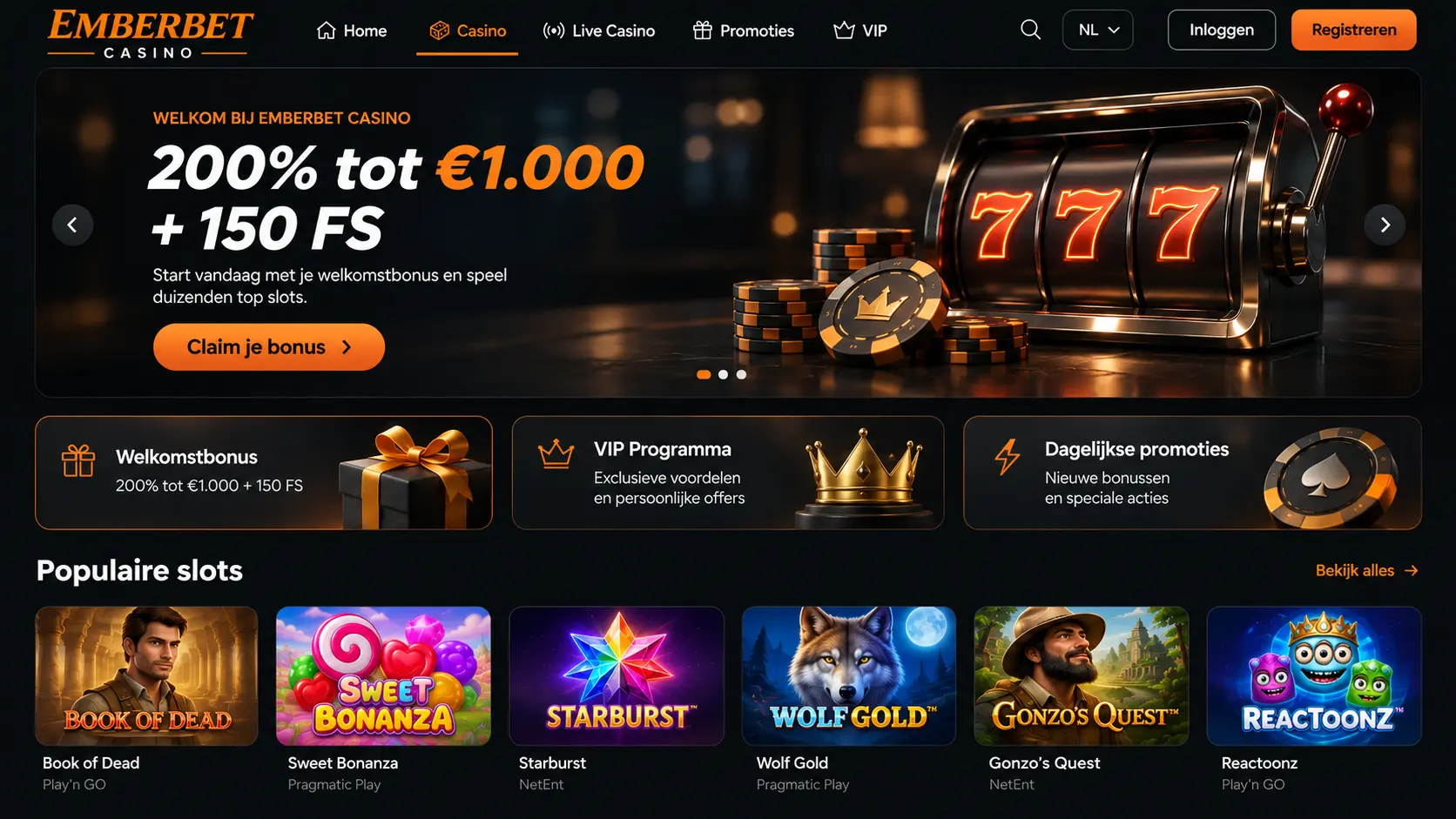
A responsive website can be opened in a current version of Chrome, Safari or another supported browser. It may adapt its layout to your screen and even offer a shortcut icon for the home screen. That shortcut is still not proof of a native mobile app. A current, officially published Emberbet application for iOS or Android has not been independently verified for this guide, so it should not be presented as a confirmed download.
If an app is advertised, check the publisher's identity, release history and requested permissions through a legitimate distribution channel. Avoid APK files from unknown websites, shortened links and unexpected messages offering a 'special version'. A genuine-looking logo can be copied by someone else. When in doubt, stay with a verified address in the browser and do not install additional software.
Navigation is part of the experience
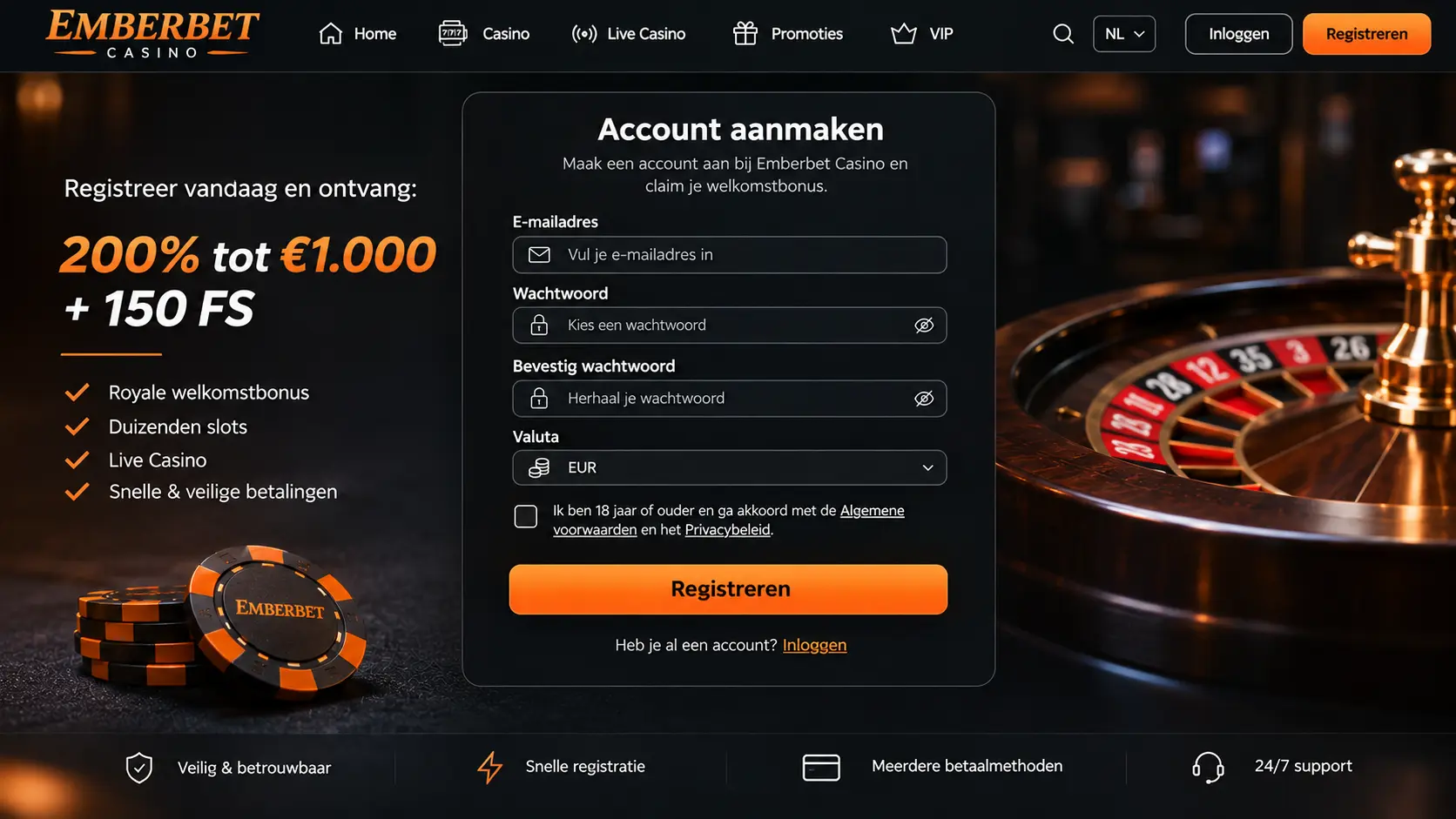
A useful mobile interface provides clear routes to the game lobby, promotions, transaction history and account controls. It should not hide terms beneath oversized banners or make essential links difficult to touch. Search can help in a large catalogue, but the ability to open rules and change settings is more important than a long carousel of featured games.
Try viewing the page in both portrait and landscape orientation. A slot may need more horizontal space, while a payment form is often easier to read vertically. If amounts overlap, buttons become obscured or information disappears during a layout change, stop rather than guessing where to tap. Mobile convenience matters only when actions remain understandable.
Slots on a touch screen
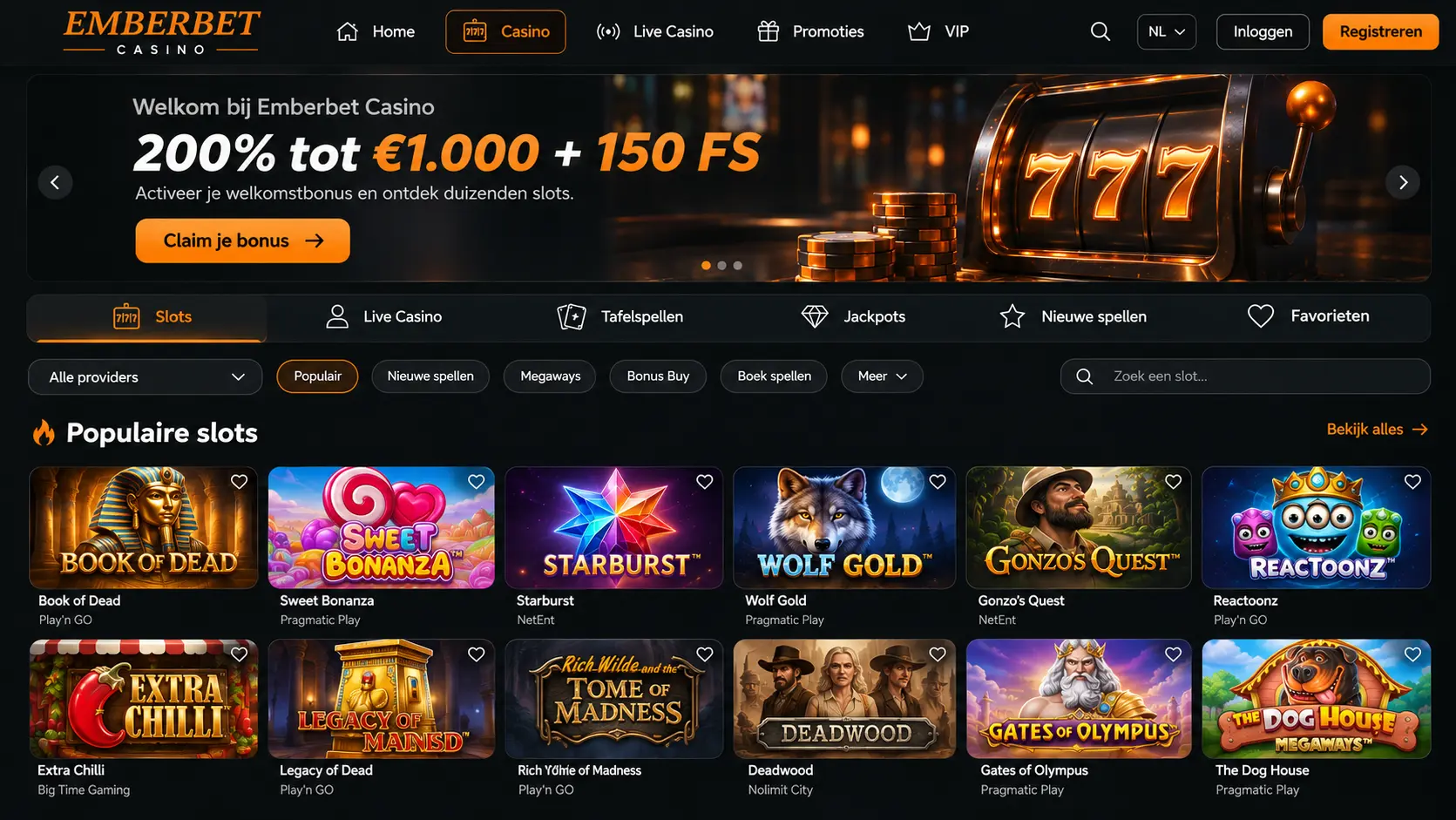
A mobile slot may move some controls compared with its desktop version. The stake selector, paytable and feature buttons can be closer together, which makes accidental taps possible. Before starting a session, locate the stake confirmation and read the rules of the loaded game. Where available, examine the return-to-player information for that specific version rather than relying on a general description of the game title.
Autoplay and feature purchases deserve extra caution on a small display. An expensive option can sometimes sit near a routine control. Confirm exactly what the screen says before using it. If a connection drops or the game stops responding, check the game history and account balance before trying the same action again. Repeating a wager because the animation froze can create a separate problem.
Live tables can be harder to follow
Live-dealer games display the table, bet controls and timing information at once. On a phone that can feel crowded, especially if a side panel covers the main action. Review minimum and maximum stakes and understand the procedure for joining a round. If the interface is unclear, missing a round is safer than placing a bet you did not intend.
Game availability and compatibility can change according to provider, browser and country. A live table mentioned in a general category is not necessarily open to every account. Check the lobby you actually see. A slow video feed should never be interpreted as confirmation that a wager failed; transaction history or verified support is the appropriate place to resolve that uncertainty.
Mobile connections and interrupted payments
Switching between mobile data and wireless networks can interrupt a page at an awkward moment. If you have just authorised a payment, do not immediately send another one when the screen appears blank. Check your bank or wallet confirmation, then inspect the account's transaction record. Keep any reference number and ask for help through an authenticated support channel if the status remains unclear.
The same principle applies to a game action. A visual delay is not the same as an unprocessed wager. Avoid repeated tapping and try to document the time and amount if a dispute arises. Protect screenshots so they do not expose a full card number, identity document or private access details.
Cards, wallets and on-the-go payments
International players may be familiar with Visa, Mastercard, bank transfers, Apple Pay, Google Pay or e-wallets such as Skrill and Neteller. Their names are useful for understanding payment categories, but they should not be treated as a verified Emberbet cashier list. Availability can differ by market, bank, currency and device. The account's live payment page should identify the methods that can actually be selected.
A phone may hand you to a banking or wallet app for confirmation. Before approving the transaction, double-check the amount, currency and recipient details. On returning to the casino browser, wait for the payment status to update. If it remains pending, investigate the reference rather than paying twice. Payment convenience is not a reason to remove the careful checks you would make on a larger screen.
Keep logins and personal documents secure
Use a unique password for your casino account and enable an additional sign-in factor if the operator offers one. A phone lock is worthwhile, particularly if the device is shared or frequently left unattended. Do not follow unexpected sign-in requests sent by social media or messaging applications. Opening a bookmarked, previously checked web address is safer than trusting a link simply because it contains the casino name.
An operator may request identity or payment ownership documents as part of verification. Send them only through an authenticated, secure channel and only in the form required. Avoid storing unredacted identification images in shared folders or sending them to strangers claiming to be support staff. The small size of a mobile screen can make suspicious addresses harder to notice, so review them carefully.
Read promotion rules outside the banner
The specified welcome headline is 200% up to €1,000 and 150 free spins. On a narrow screen, the conditions may be shortened or placed behind an expandable panel. Open the complete terms to check qualifying deposits, game contributions, deadlines, maximum wagers and possible withdrawal restrictions. A large number in a banner should never be your only source of information.
If the terms are cumbersome to read on mobile, use a larger display or simply skip the promotion. It is reasonable to take extra time when a decision involves money. Eligibility also depends on local rules and the operator's permissions, not just the availability of a sign-up button on your phone.
Recognising suspicious mobile downloads
A fake application can borrow a brand name, colour palette and familiar icon. Check the full address, developer identity and the permissions being requested. An installation that unexpectedly asks for access to messages, contacts or unrelated files deserves scrutiny. Never enter your casino password or banking details into an unfamiliar page because a pop-up claims it is an official security update.
Urgent messages about losing a bonus unless you download immediately are especially poor reasons to skip verification. A legitimate software update should leave room to establish where the file comes from. You can always decline an unverified download rather than putting your device and payment information at risk.
Using your phone without losing your limits
Because a phone is always close, gambling can slide into moments originally meant for work, rest or time with other people. Decide when a session would begin and end before you open the site. Turn off promotional notifications if they pull your attention back repeatedly. Keep a separate spending cap, and never increase it just because you can make another payment within seconds.
If it becomes hard to put the device away, take a longer break and use available blocking or exclusion options. Independent support can help if gambling starts affecting everyday life. A genuinely manageable mobile experience includes the freedom to stop, log out and do something else.